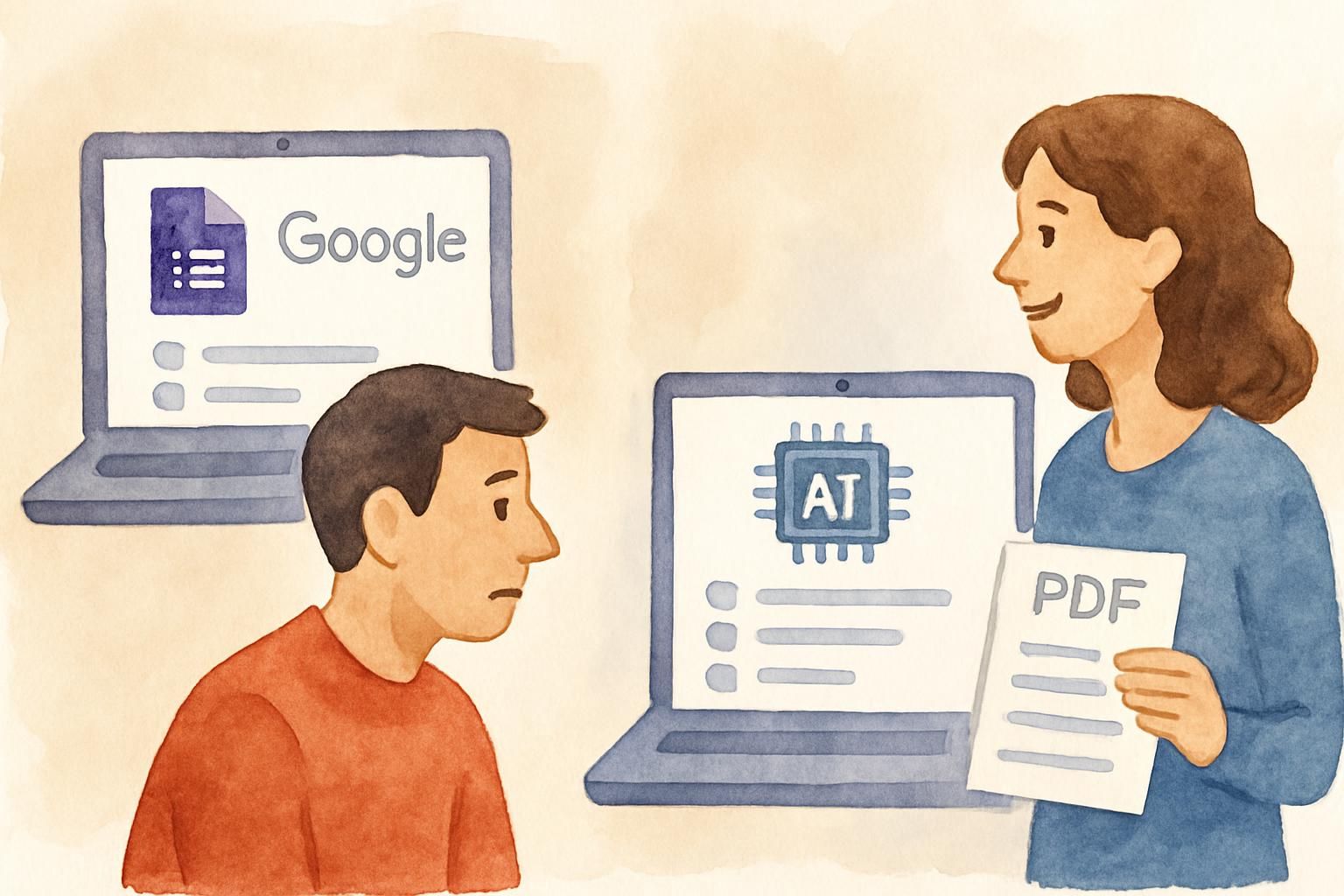
Google Forms Works — Until It Doesn't
Google Forms is the go-to for quick quizzes. It's free, it's familiar, and everyone has a Google account. So why are teachers, trainers, and students looking for alternatives?
Because Google Forms wasn't built for quizzes. It was built for forms — surveys, RSVPs, feedback collection. Quiz mode was bolted on later, and it shows.
You still have to type every question manually. You still write every answer option by hand. And if you have a PDF with the content you want to test on, you're copying and pasting one question at a time.
There's a faster way.
Where Google Forms Falls Short for Quiz Making
Manual question creation
The biggest limitation: Google Forms has no way to generate questions from existing material. You open a blank form, type question one, add four answer options, mark the correct one, repeat fourteen more times.
For a 15-question quiz, that's easily 30-45 minutes of tedious data entry.
No PDF import
You have a textbook chapter, a handout, lecture notes — all in PDF. Google Forms can't read any of it. You're the translator between your source material and the quiz, manually converting concepts into questions.
Limited question intelligence
When you write questions in Google Forms, the quality depends entirely on you. There's no help with creating plausible distractors, no analysis of whether your questions cover the material evenly, no checks for ambiguity.
Sharing requires Google
While you can share a Google Form via link, the quiz-taking experience is tied to Google's ecosystem. Some organizations, schools, and users prefer tools that don't require any account at all.
CramZap: What a Quiz-First Tool Looks Like
CramZap was built specifically for creating quizzes from documents. The core difference: instead of starting from a blank form, you start from your content.
| Feature | Google Forms | CramZap |
|---|---|---|
| Create quiz from PDF | Not possible | Upload PDF, get 15 questions |
| Time to create 15 questions | 30-45 minutes | 30-60 seconds |
| Distractor generation | Manual | AI-generated |
| Quiz-taker login required | Optional (Google account) | Not required |
| Auto-grading | Yes | Yes |
| Shareable link | Yes | Yes |
| Embed on website | Yes (iframe) | Yes (embed code) |
| Analytics | Basic | Views, completions, scores |
| Cost | Free | Free |
The 60-second workflow
- Upload a PDF (lesson plan, textbook chapter, study guide)
- AI generates 15 multiple-choice questions in 30-60 seconds
- Share the quiz link — recipients take it without creating an account
That's it. No typing questions. No crafting wrong answers. No formatting.
When Google Forms Is Still the Right Choice
Google Forms isn't bad — it's just not designed for quizzes from existing content. It's still great for:
- Surveys and feedback forms — collecting opinions, not testing knowledge
- Event RSVPs — simple yes/no responses
- Custom quizzes with specific formatting — if you need exact control over every question's wording
- Quizzes integrated with Google Classroom — if your school is fully in the Google ecosystem and you need native integration
If your workflow starts with "I have content and I need a quiz," a dedicated quiz generator saves time. If your workflow starts with "I need to collect responses to specific questions I've already written," Google Forms works fine.
Who Benefits Most From Switching
Teachers with existing materials
If you already have lesson plans, handouts, or textbook chapters in PDF, you're sitting on a library of quiz-ready content. Instead of recreating that content as Google Form questions, upload the PDF and let AI do the conversion.
Students studying from notes
Students don't need to create elaborate Google Forms to test themselves. Upload lecture notes, get a practice quiz, and study through active recall — the study method proven to boost retention far beyond rereading or even concept mapping.
Trainers running onboarding
Corporate trainers with compliance documents, procedure manuals, or training PDFs can generate knowledge checks in seconds. Share a link with new hires — no Google accounts needed.
Anyone who values their time
If you've ever spent 45 minutes building a Google Forms quiz and thought "there has to be a faster way" — there is.
The question is whether you need manual control over every question, or whether AI-generated questions from your material are good enough. For practice quizzes, study aids, and formative assessments, they absolutely are.
Making the Switch
You don't have to abandon Google Forms entirely. Use it for what it's good at (surveys, forms, custom questionnaires) and use a quiz generator for what it's good at (turning existing content into assessments quickly).
Here's a practical rule of thumb:
- Start with a blank page? → Google Forms
- Start with a PDF? → Quiz generator
Key Takeaways
- Google Forms is a form builder, not a quiz generator — quiz mode was added later and requires manual question entry for every quiz.
- Dedicated quiz tools save 95% of creation time — uploading a PDF and generating 15 questions takes under 60 seconds vs. 30-45 minutes manually.
- Active recall through practice quizzes is one of the most effective study methods — making quiz creation frictionless means more frequent testing.
- No account required for quiz takers — unlike Google Forms, tools like CramZap let anyone take a quiz via a shared link.
- Use the right tool for the job — Google Forms for surveys and custom questionnaires, quiz generators for turning existing content into assessments.
Try the Difference
Take a PDF you'd normally build a Google Forms quiz from. Upload it to CramZap. Time how long it takes to get a working quiz.
Then decide which tool earns a spot in your workflow.
No sign-up required. No Google account needed. Just your PDF and 60 seconds.
Try CramZap free — upload any PDF
Frequently Asked Questions
Is CramZap really free?
Yes. You can upload a PDF and generate a quiz without creating an account or paying anything. Free users get 3 quizzes per month.
Can I edit the AI-generated questions?
Yes. After the AI generates 15 questions from your PDF, you can edit any question text, answer options, or correct answers before publishing.
Does Google Forms have AI question generation?
No. As of 2025, Google Forms requires you to type every question and answer option manually. There is no PDF import or AI generation feature.
Do quiz takers need an account?
With CramZap, no — anyone with the link can take the quiz immediately. Google Forms can optionally require a Google account.
Sources
- Google — Create & grade quizzes with Google Forms. Google Docs Editors Help.
- Karpicke, J. D., & Blunt, J. R. (2011). Retrieval practice produces more learning than elaborative studying with concept mapping. Science, 331(6018), 772-775.
- Freeman, S. et al. (2014). Active learning increases student performance in science, engineering, and mathematics. Proceedings of the National Academy of Sciences, 111(23), 8410-8415.