You Already Have the Content. Now Make It Testable.
Every teacher has a growing pile of PDFs — lesson plans, textbook chapters, handouts, worksheets. The material is ready. The hard part is turning it into something that actually checks whether students learned anything.
Building a classroom assessment from scratch takes time you don't have. Writing 15 solid multiple-choice questions, coming up with plausible distractors, making sure you cover the right concepts — it's easily an hour of work per quiz. Multiply that by every unit, every class, every week.
What if you could drop your existing PDF into a tool and get a ready-to-use assessment in under a minute?
How a Classroom Quiz Maker Works With Your PDFs
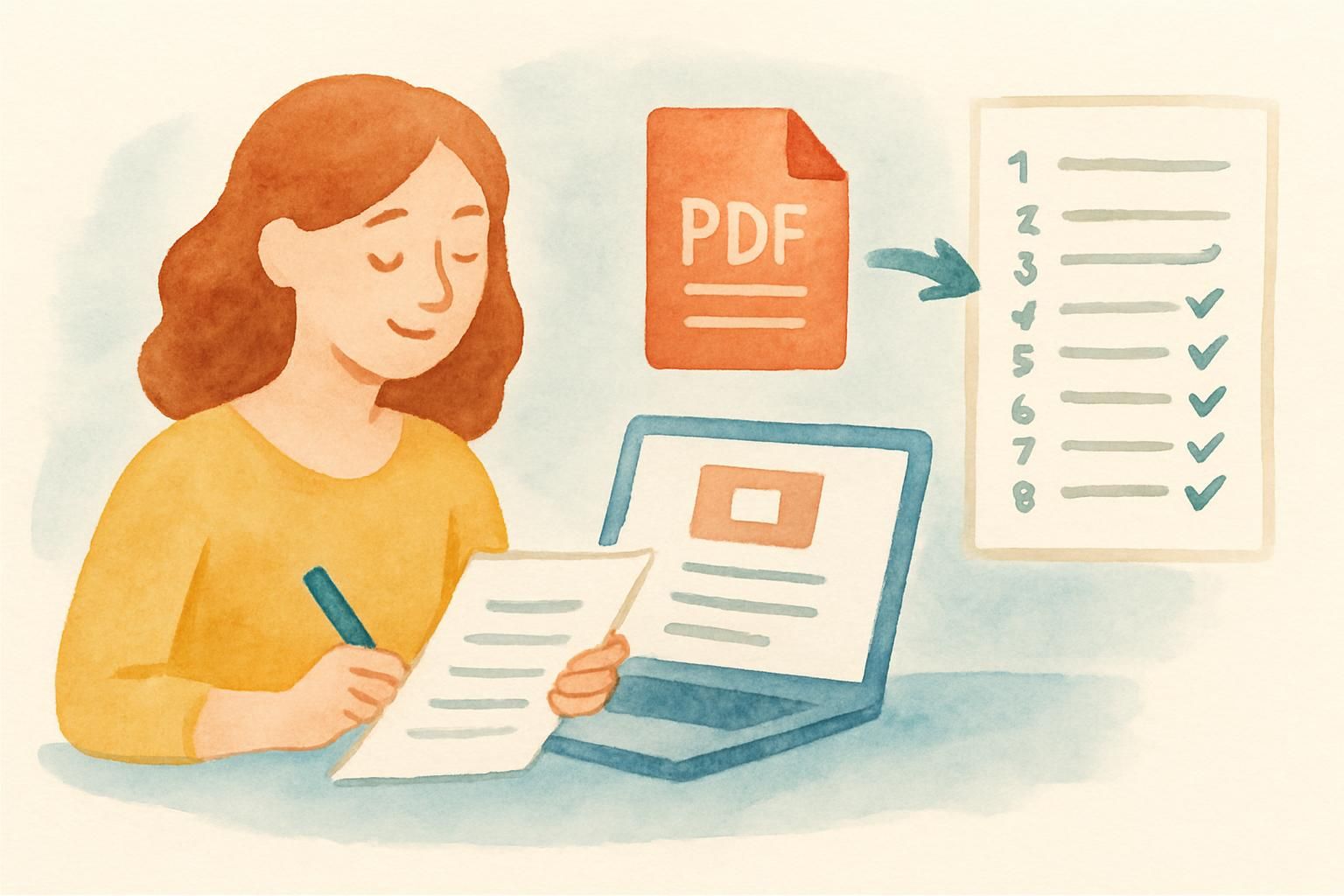
CramZap is a teacher tool that converts any PDF to a test automatically. Here's the workflow:
- Pick any PDF you already use — a lesson plan, a reading assignment, a chapter summary, a worksheet
- Upload it — drag and drop, documents up to 20 MB
- Get 15 multiple-choice questions — generated by AI in 30-60 seconds, covering key concepts from the document
No question writing. No answer key creation. No formatting headaches. The quiz is shareable via link, and students can take it on any device without creating an account.
What Kind of PDFs Work Best?
| Document Type | Assessment Quality | Best For |
|---|---|---|
| Lesson plans | Excellent | Quick formative checks after a lesson |
| Textbook chapters | Excellent | Reading comprehension quizzes |
| Handouts / worksheets | Good | Homework verification |
| Slide decks (exported to PDF) | Good | Review before the next class |
| Study guides | Excellent | Unit review and test prep |
| Lab manuals | Good | Pre-lab safety and procedure checks |
The free version generates a quiz from the first 3 pages of your PDF — perfect for a focused assessment on a single topic or lesson.
5 Ways to Use PDF Assessments in Your Classroom
1. Exit Tickets in 60 Seconds
End of class. Five minutes left. Instead of asking "Any questions?" (silence), give students a quick 5-question quiz from today's lesson material.
How: Upload your lesson plan PDF before class. Share the quiz link in the last 5 minutes. Students answer on their phones. You instantly see who got it and who didn't.
This is formative assessment at its fastest — no prep time, immediate feedback, and real data on student understanding.
2. Reading Accountability Checks
Assigned a chapter? Upload it. Generate a quiz. Share it as homework.
Students who actually read the material will pass. Students who skimmed or skipped will struggle. You'll know the difference before the next class starts — without spending your evening grading reading responses.
3. Differentiated Review Quizzes
Different students struggle with different units. Instead of one-size-fits-all review sessions, generate separate quizzes from different chapter PDFs:
- Students who struggled with Unit 3 get the Unit 3 quiz
- Students who need work on Unit 5 get the Unit 5 quiz
- Advanced students get a combined quiz covering multiple units
Each quiz takes under a minute to create. Personalized review without personalized prep time.
4. Sub Plans That Actually Work
Leaving lesson plans for a substitute teacher? Include a quiz link.
Upload your lesson handout, generate a quiz, and add the shareable link to your sub plans. The substitute doesn't need to understand the material or manage a discussion — students take the quiz, and you have data on what they learned when you get back.
5. Pre-Assessment Before a New Unit
Starting a new topic? Upload last year's study guide or the introductory chapter and quiz students on it. This tells you:
- What prior knowledge students already have
- Which concepts need more time
- Where you can move faster
Pre-assessments help you teach smarter, not just harder. And when they take 60 seconds to create, there's no reason not to use them.
Making the Most of Auto-Generated Questions
AI-generated questions are a starting point, not a final product. Here are tips to get the best results:
Choose focused documents. A 3-page handout on photosynthesis will produce better questions than a 50-page biology textbook. The more focused the input, the more targeted the output.
Use documents with clear structure. PDFs with headings, bold terms, and organized sections produce higher-quality questions. The AI uses document structure to identify what matters most.
Review before sharing. Spend 2 minutes scanning the generated questions. Are they hitting the right concepts? Is the difficulty level appropriate? A quick review ensures the assessment matches your teaching goals.
Combine with class discussion. Use quiz results as a jumping-off point: "Most of you missed question 7. Let's talk about why osmosis works differently than diffusion."
Why This Matters: The Research Behind Frequent Testing
Frequent low-stakes testing isn't just convenient — it's one of the most well-supported strategies in learning science. Research on the testing effect consistently shows that:
- Retrieval practice strengthens memory more effectively than additional study time
- Frequent quizzing reduces test anxiety by making assessments feel routine rather than high-pressure
- Immediate feedback helps students correct misconceptions before they become entrenched
- Spaced testing (quizzing across multiple sessions) produces significantly better long-term retention than cramming
The barrier has always been time. Creating frequent assessments is labor-intensive. When you can generate a classroom assessment from a PDF in under a minute, that barrier disappears.
Common Teacher Questions
Do my students need accounts?
No. Students can take any quiz via a shared link — no sign-up, no login, no app download. They just click and answer.
Can I see individual student results?
Quiz analytics show overall completion rates and score distributions. For detailed per-student tracking, Premium features are coming soon.
What subjects work best?
Any subject with factual, conceptual, or procedural content. History, science, English, social studies, health, business — if it's in a PDF, it can become a quiz. Math and physics work for conceptual questions, though calculation-based questions aren't generated.
Can I edit the questions after generation?
Currently, quizzes are generated as-is. If a question doesn't fit, you can regenerate from a more focused section of your document.
Is it really free?
Yes. You can generate quizzes without paying anything. The free version covers the first 3 pages per PDF with 15 questions. No credit card, no trial period.
Stop Writing Quizzes From Scratch
You already have the content. Your lesson plans, handouts, and textbook chapters contain everything students need to learn. The missing piece is turning that content into active practice — and that no longer requires an hour of your evening.
Try CramZap free — upload any classroom PDF, get a ready-to-use assessment in 30-60 seconds, and give your students something better than "reread chapter 4."
Your next quiz is one PDF upload away.